

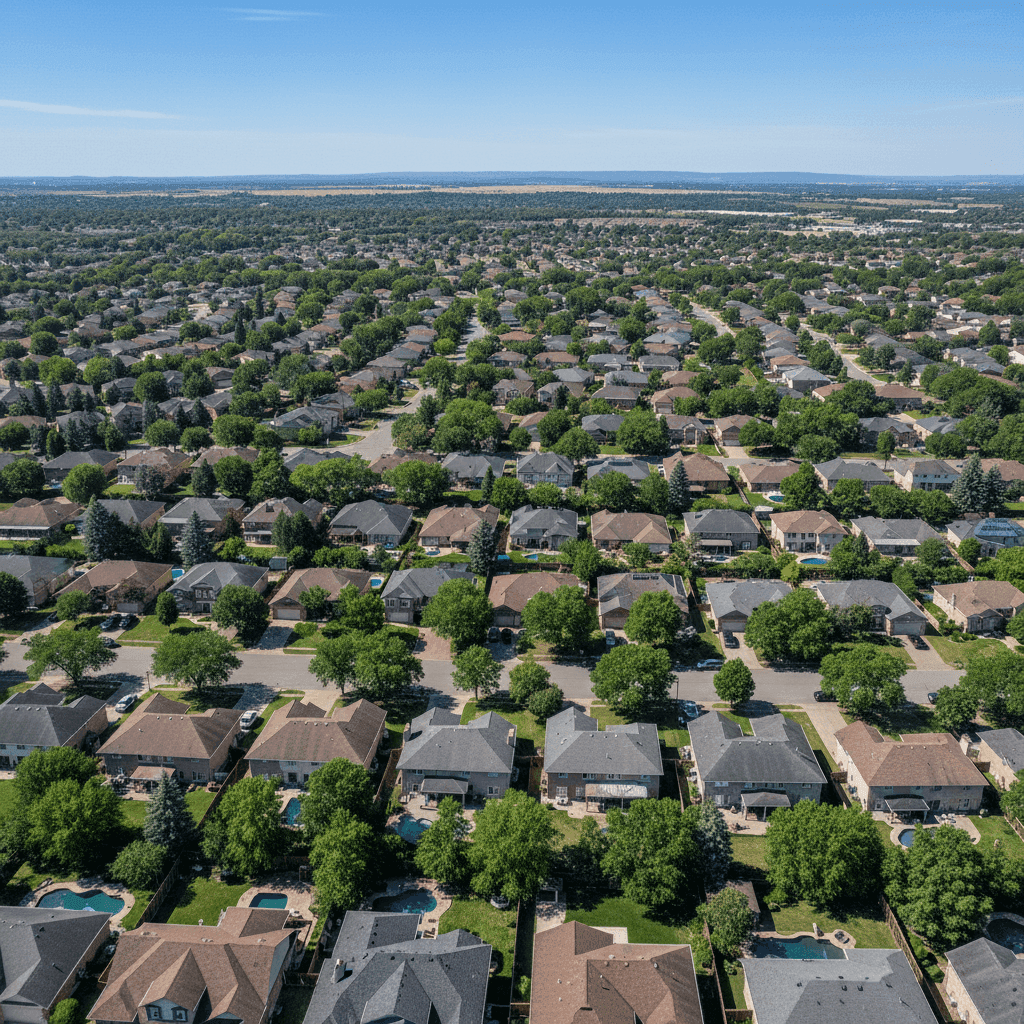
Roofing Service Area Pages: Rank in Every City
Roofing service area pages are individual pages built for each city or town you serve, so you can rank in Google’s local results everywhere you actually work — not just the city your office sits in. Built right, one page can rank you in a market where you’re currently invisible.
Here’s the math most roofers miss. If you serve eight cities but only rank in one, the other seven markets are sending their storm-damage and roof-replacement searches straight to a competitor. At an average replacement of $9,000–$15,000, missing even two jobs a month in each of those markets is real money walking out the door — money you’re already paying crews and trucks to be able to catch.
What a roofing service area page actually is
A service area page is a dedicated page that targets one service in one place — for example, “Roof Replacement in Frisco, TX.” It exists to answer a specific local search and turn that searcher into a booked estimate.
Most roofing sites have the opposite: a single “Areas We Serve” page with a comma-separated list of 30 towns and nothing else. Google can’t rank a comma. A list of city names gives the search engine no reason to believe you’re the strongest local answer in any one of them.
Why one “areas we serve” page can’t rank for every city
Google ranks pages, not companies. When someone in a suburb 20 miles from your office searches “roof repair near me,” Google looks for the page that most specifically and usefully answers that location’s query. A generic homepage or a stuffed list page almost never wins that fight against a competitor who has a real page for that exact city.
This is also why you can dominate your home city and be invisible one town over. The signal Google needs — a genuinely useful, location-specific page backed by local proof — only exists for the city you built content around.
The doorway-page trap (and Google’s actual rule)
Here’s where roofers get burned. They hear “build a page per city,” so they clone one page 40 times and swap the city name with find-and-replace. Google treats that as spam.
Google’s official spam policies call this doorway abuse and specifically name “pages targeted at specific regions or cities that funnel users to one page.” Forty near-identical city pages don’t just fail to rank — they can drag down the pages that were working.
The rule is simple: every service area page has to be genuinely useful on its own. If you removed the city name and couldn’t tell which town the page was about, it’s a doorway page. If a local homeowner would find it specific and helpful, it’s an asset.
Losing the towns just outside your home city? A roofing SEO program built around service area pages is usually the fastest way to turn those markets back on.
What roofing service area pages need to actually rank
The difference between a page that ranks and a page Google ignores comes down to local specificity. Here’s the side-by-side:
| Element | Thin doorway page (gets ignored) | Page that ranks and books jobs |
|---|---|---|
| Body content | Same 300 words with the city swapped in | 500–900 unique words about roofing in that specific city |
| Local proof | None | Neighborhoods and ZIP codes served, nearby landmarks, recent storm dates |
| Photos | Stock roof photo reused everywhere | Real job photos from that city or county — tear-off, install, EagleView shots |
| Reviews | Generic testimonials | Reviews from customers in that town, named by neighborhood |
| Local details | None | Permit and HOA notes, common local roof types, insurance-restoration specifics |
| Schema & NAP | Missing or copied | LocalBusiness/Service schema and consistent name, address, phone |
| Result | Buried on page 3, or filtered as spam | Competes in the local pack and organic results |
The pattern is obvious once you see it: specificity is the ranking factor you control. Anyone can write “we serve Plano.” Only the roofer who actually works there can write about the 2024 hail line that ran through West Plano, the HOA shingle-color rules off Legacy Drive, and the tear-off they finished last month on a two-story colonial.
How many pages to build — and which cities first
Don’t build 40 pages in week one. That’s how you end up with 40 thin pages you never finish. Build a page only for a city you genuinely serve and can speak about with authority, then expand.
Prioritize with three questions: Where do your best jobs come from? Where is the search demand? And where are you already getting occasional calls but no ranking? Start there.
| Priority | Which cities | Why first |
|---|---|---|
| Tier 1 | Your 3–5 highest-value job markets | Best return per page; you already have photos and reviews there |
| Tier 2 | Adjacent suburbs with real search volume | Winnable markets a competitor currently owns by default |
| Tier 3 | Edge-of-radius towns you’ll drive to | Build only once Tier 1 and 2 are genuinely strong |
The page template that converts
Every service area page should follow the same skeleton so a searcher gets what they need fast and a crew’s worth of leads doesn’t leak out:
- H1: service + city, e.g. “Roof Replacement & Repair in Frisco, TX”
- Opening answer: who you are, that you’re local to this city, and how fast you respond
- Local proof block: neighborhoods and ZIPs served, recent storm activity, a line only a local roofer could write
- Services offered in that city: replacement, storm and insurance restoration, repair, with brands like GAF or Owens Corning
- Real local photos: before/after from that market, not stock
- Local reviews: two or three from customers in that town
- FAQ: permit, timeline, and insurance questions specific to that city
- Clear CTA: a local phone number and a short quote form, above the fold and repeated at the bottom
Structurally, give these pages clean URLs like /roof-replacement/frisco-tx and link them from a single “Service Areas” hub page. That internal linking is what tells Google the pages are an organized, browseable set — the opposite of a doorway scheme. If your site isn’t built to support this cleanly, a custom roofing website that’s structured for local pages from the start will save you a rebuild later.
Your roofing service area page checklist
Before you publish any city page, run it through this. If you can’t check every box, it’s not ready:
- ☐ Would this page still make sense to a local if I deleted the city name? (If yes, it’s too generic.)
- ☐ Does it have 500+ words of content unique to this city?
- ☐ Are there real job photos from this market?
- ☐ Are there reviews from customers in or near this town?
- ☐ Does it mention specific neighborhoods, ZIPs, or landmarks?
- ☐ Does it reference something real and local — a storm date, a permit rule, a common roof type?
- ☐ Is there a phone number and quote form above the fold?
- ☐ Is it linked from a Service Areas hub, with LocalBusiness schema in place?
- ☐ Do I actually serve this city?
Frequently asked questions
How many service area pages should a roofing company have?
Only as many as you can make genuinely unique. For most roofers that’s 5–15 pages covering your real, highest-value markets. It’s far better to have eight strong, specific pages than 40 thin clones — Google rewards the eight and can penalize the 40 as doorway pages.
Are roofing service area pages the same as doorway pages?
No — but bad ones become doorway pages. The line is usefulness. A page with unique local content, real photos, and specific details is a legitimate service area page. A page that’s the same template with only the city name swapped is a doorway page, which Google’s spam policies target directly.
Do I need a physical office in a city to rank a page for it?
No. You need to genuinely serve it and prove it with real local content — jobs completed nearby, service details, and honest coverage information. You can’t claim a fake address, but you can absolutely rank a service area page for a city you drive to and work in regularly.
How long until a service area page ranks?
Usually a few weeks to a few months, depending on your domain’s strength and local competition. Pages backed by strong content, internal links, local reviews, and a solid Google Business Profile move faster. It’s a compounding asset, not an overnight switch.
Can I write these pages myself?
Yes — you know your markets better than any writer. The trap is scaling: the first three pages are easy, then people rush and start cloning. If you can’t keep every page genuinely local, that’s the point to bring in help before thin pages hurt you.
Turn on the markets you’re already driving to
You already serve these cities. Your crews are already there. The only thing missing is a page that tells Google — and the homeowner searching at 9 p.m. after a hailstorm — that you’re the local roofer who can help. Build these pages right and you stop handing free jobs to the competitor who simply published first.
Want to know which of your markets are winnable right now? Get a free roofing website audit and we’ll show you where you rank city by city, which service area pages you’re missing, and whether you’re showing up in AI answers for the towns you serve. For more on the fundamentals, see our guides to local SEO for roofers, the pages every roofing website needs, and local citations and NAP consistency.